
How to Download an Entire Pinterest Board (2026)
Published March 13, 2026
Pinterest is great for collecting visual inspiration, but it doesn't offer a built-in way to download all the pins from a board at once. If you've spent months curating boards for design projects, recipes, travel ideas, or art references, you probably want a way to back them up or use them offline.
This guide walks through how to download an entire Pinterest board — including images and videos — as a single ZIP file using IMGLoader.
What you'll need
- A Pinterest account with at least one board
- A modern web browser (Chrome, Firefox, Edge, or Safari)
- An internet connection
You do not need to install any software, browser extensions, or create an IMGLoader account. Everything runs directly in the browser, and IMGLoader connects to Pinterest through its official API so your boards are loaded instantly after connecting.
Step 1: Open IMGLoader and connect Pinterest
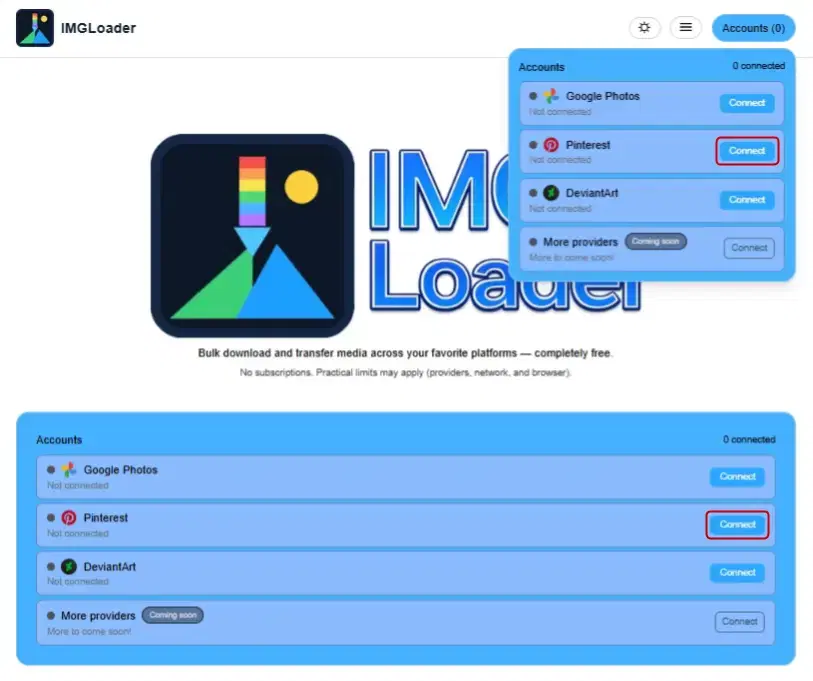
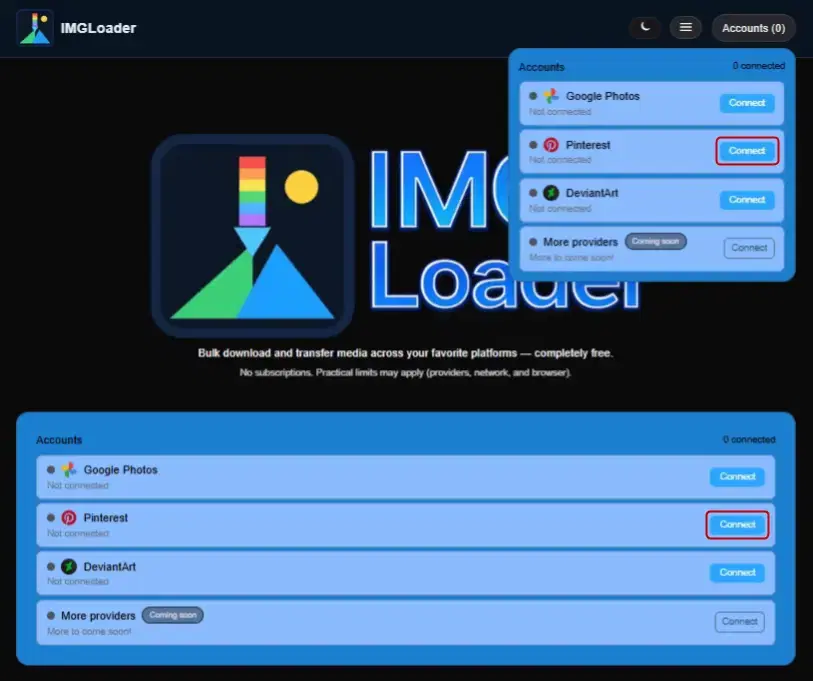
Go to IMGLoader and find the Accounts section. Click Connect next to Pinterest. You'll be redirected to Pinterest's official login page where you grant IMGLoader read-only access to your boards.
IMGLoader uses OAuth, so it never sees your Pinterest password. The connection only grants read access — IMGLoader cannot modify or delete your pins or boards.
Step 2: Select boards and download
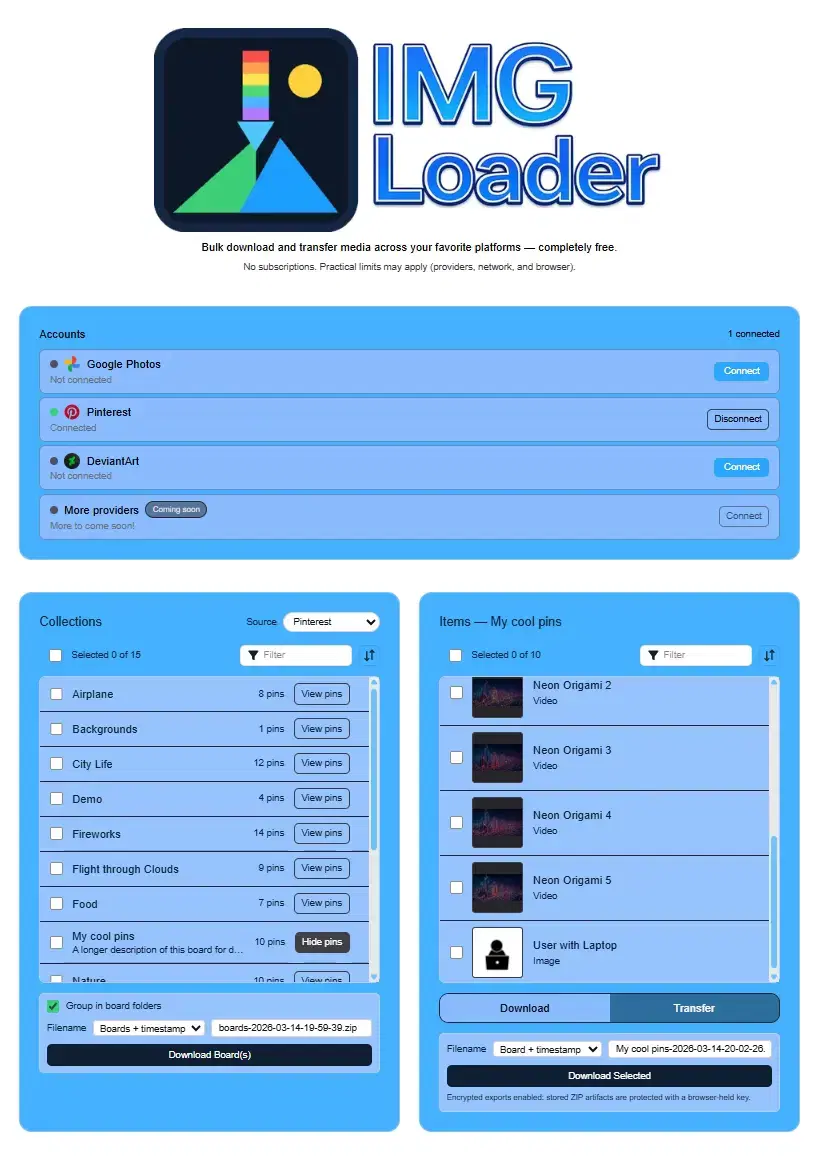
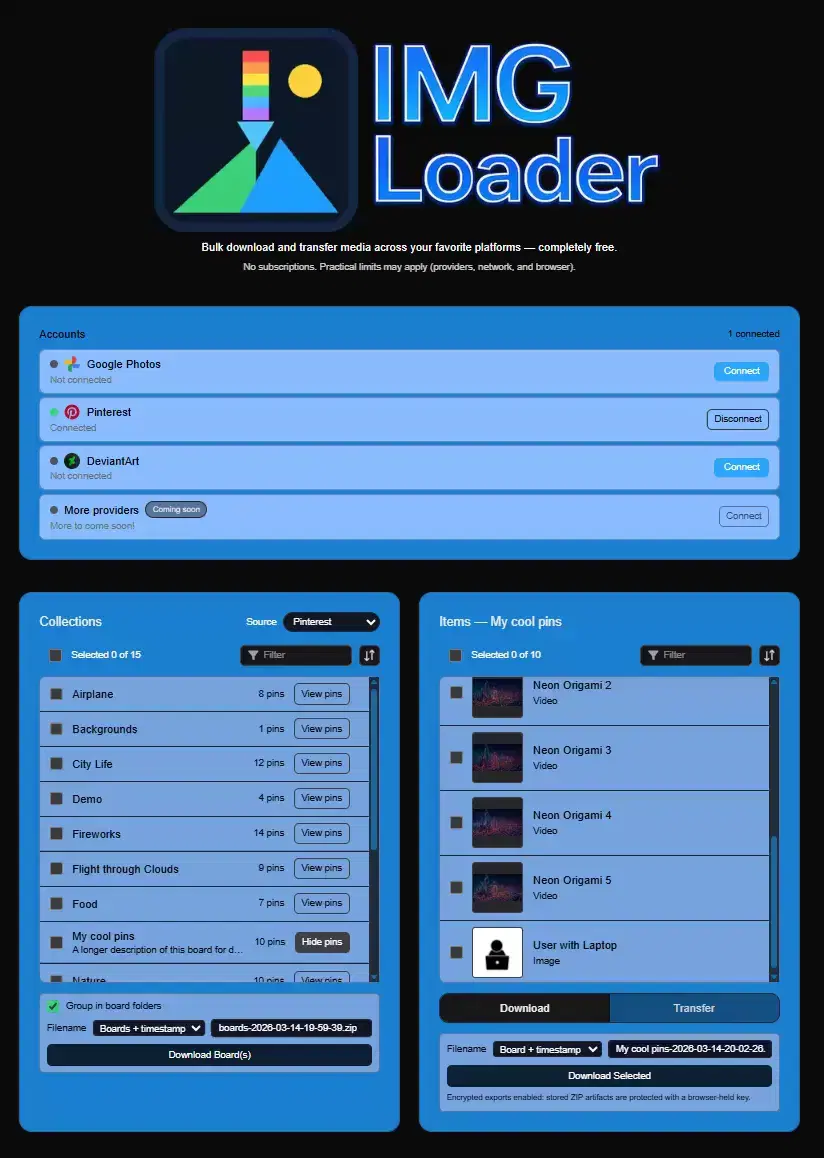
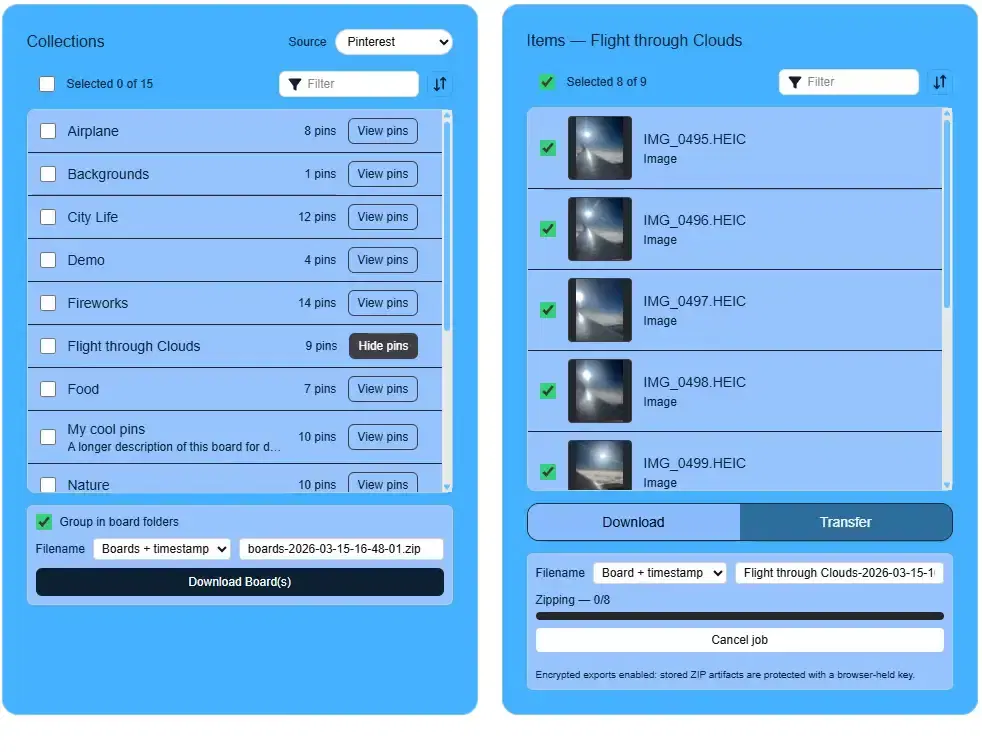
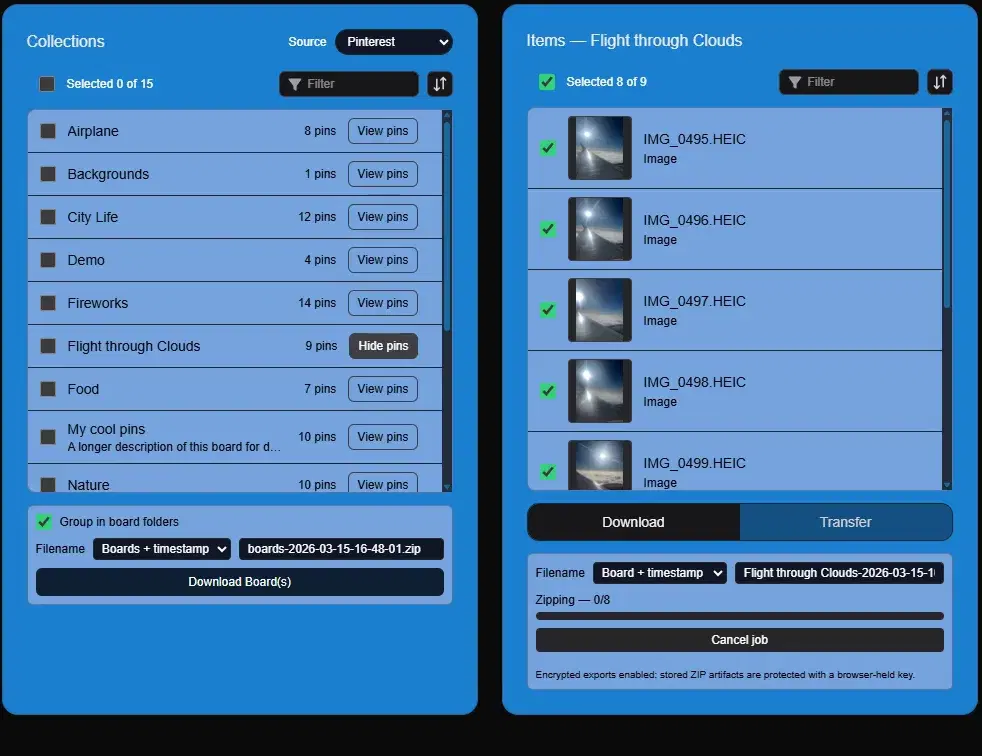
After connecting, your Pinterest boards appear in the Collections panel on the left. Use the checkboxes to select the boards you want, or click select-all to grab everything. Then click Download Board(s).
You can also click View pins on a board to browse its contents and select individual pins. Toggle Group in board folders to keep each board's pins in separate folders inside the ZIP.
For small boards, the ZIP is built right in your browser. Larger boards are processed on secure AWS infrastructure and delivered when ready. Keep the tab open until the download completes.
A note about video pins
IMGLoader downloads video pins along with images. However, Pinterest's API does not serve video content from secret boards. If you need videos from a secret board, temporarily make the board public in Pinterest's board settings, run the download, and then set it back to secret.
Why not use a browser extension?
Browser extensions that download Pinterest images typically work by scraping the page HTML, which means:
- They break whenever Pinterest updates its layout (which happens frequently)
- They often require broad browser permissions to access all your browsing data
- They may only grab thumbnail-resolution images rather than originals
- Many paid extensions charge monthly subscriptions for basic functionality
IMGLoader avoids these problems by connecting through Pinterest's official API. This means consistent results, full-resolution images, and no browser permissions beyond normal web usage.
What about transferring instead of downloading?
If your goal is to move Pinterest pins to another platform (like Google Photos or DeviantArt), you don't need to download a ZIP first. IMGLoader can transfer pins directly between providers. See our guide on transferring Pinterest boards to Google Photos for details.
Ready to download your Pinterest boards?
It takes less than a minute to connect and start downloading.
Open IMGLoader