

Download your Pinterest boards, Google Photos albums, and DeviantArt galleries — for free
IMGLoader lets you bulk download entire collections as ZIP files, or transfer media directly between providers. No subscriptions, no IMGLoader account required, and your data stays private.
Why IMGLoader?
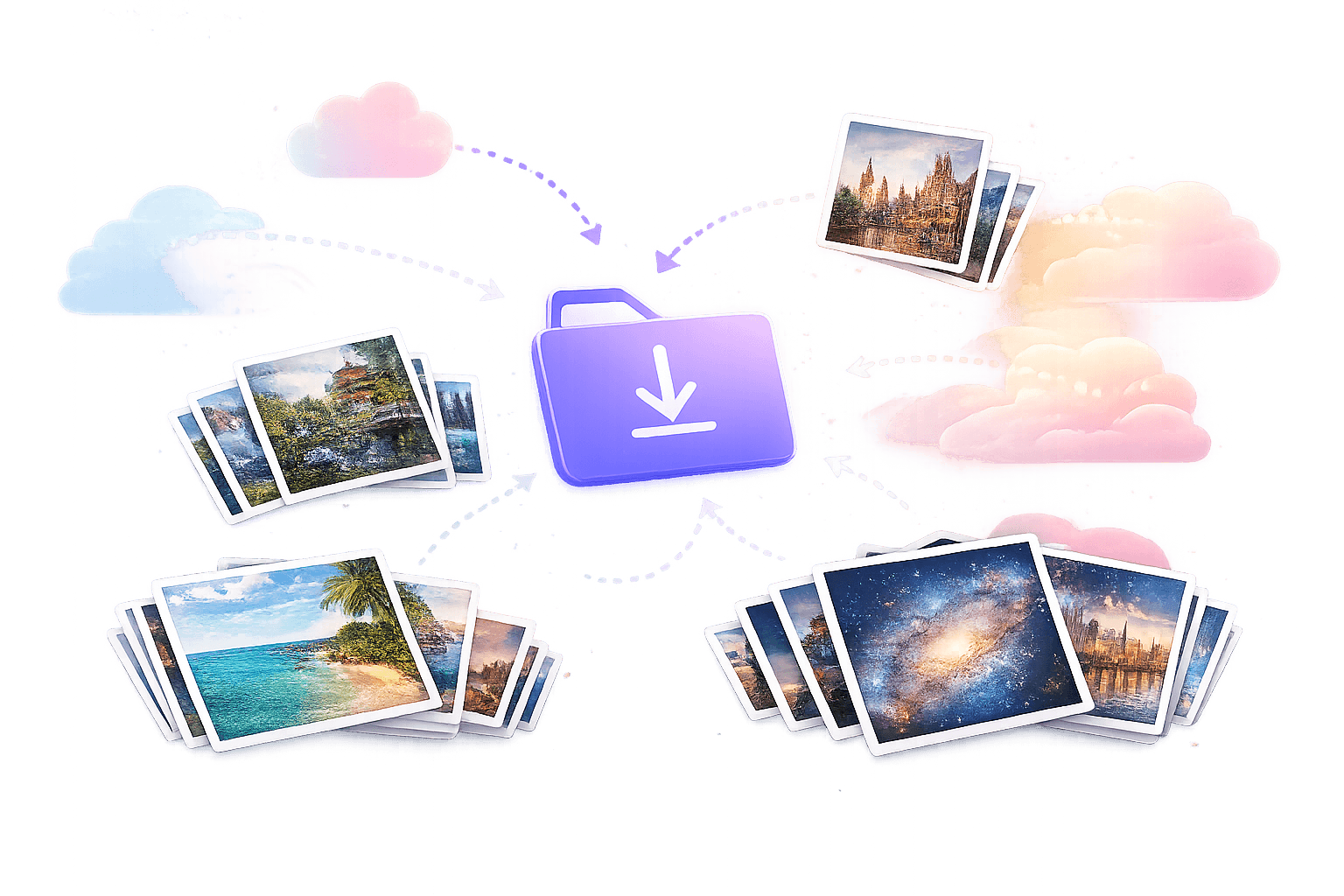
Platforms like Pinterest, Google Photos, and DeviantArt make it easy to upload and organize media but surprisingly hard to get it back out in bulk. Google Takeout can take days, Pinterest has no bulk export at all, and DeviantArt offers no way to download an entire gallery. IMGLoader fills that gap.
Bulk download as ZIP
Select individual items or entire collections and download them as a single ZIP file. Organize with folder grouping to preserve your board and gallery structure.
Transfer between platforms
Move media from one provider to another without downloading to your device first. Transfer Pinterest boards to Google Photos, DeviantArt galleries to Pinterest, or any other combination.
Privacy-first design
No IMGLoader account required. Official OAuth means IMGLoader never sees your passwords. Server-side ZIP exports are encrypted at rest with AWS KMS. We don't sell your data.
Works with official APIs
Unlike browser extensions that scrape pages and break when platforms update, IMGLoader connects through official APIs. This means reliable, consistent downloads that respect each platform's terms of service.
Supported providers
Connect any combination of these platforms. More providers are coming over time.
- Pinterest
Download all pins from your boards — including images and videos. Select individual boards or export everything at once.
- Google Photos
Pick photos and videos from your library using Google's own Picker interface, then download them as a ZIP — faster than waiting for Google Takeout.
- DeviantArt
Export your galleries, collections, and favourites. Download deviations in full resolution or transfer them to another platform.



IMGLoader is not affiliated with Pinterest, Google, or DeviantArt. Names and logos are trademarks of their respective owners.
How IMGLoader compares to other options
There are several ways to export media from these platforms. Here's how they stack up.
| Feature | IMGLoader | Browser extensions | Google Takeout |
|---|---|---|---|
| Bulk download | All three platforms | Varies by extension | Google Photos only |
| Cross-platform transfer | Yes | No | No |
| Uses official APIs | Yes (OAuth) | No (page scraping) | Yes |
| Speed | Minutes | Varies | Hours to days |
| Account required | No | Sometimes | Google account |
| Price | Free | Free to paid | Free |
Frequently asked questions (FAQ)
Is IMGLoader really free?
Yes. IMGLoader is completely free with no subscriptions, hidden fees, or premium tiers. It is supported by optional donations and non-intrusive ads, and every feature is available without paying anything.
Do I need to create an account to use IMGLoader?
No. IMGLoader does not have its own user accounts. You connect your existing Pinterest, Google Photos, or DeviantArt accounts using official OAuth, so IMGLoader never sees or stores your passwords.
What platforms does IMGLoader support?
IMGLoader currently supports Pinterest, Google Photos, and DeviantArt. You can download from any of these providers and transfer media between supported provider combinations.
How is IMGLoader different from browser extensions?
Browser extensions often scrape pages, break when platforms update, and may require broad browser permissions. IMGLoader uses official platform APIs where available, asks for provider-specific OAuth permission, and focuses on structured downloads and transfers.
Is my data safe with IMGLoader?
IMGLoader is privacy-first by design. It uses official OAuth instead of passwords, server-side ZIP exports are encrypted at rest with AWS KMS, and IMGLoader does not sell user data.
Does IMGLoader keep a copy of my downloaded files?
No permanent archive is created for IMGLoader to reuse later. Temporary server-side artifacts may exist only to complete a ZIP or transfer job, and the product is designed around completing the requested workflow rather than building a long-term media library.
Can I transfer media between providers?
Yes. Connect the source and destination providers, select the items you want to move, and transfer them directly instead of downloading everything locally and uploading it again by hand.
Can I choose how files and folders are organized?
Yes. IMGLoader supports structured ZIP output and folder grouping options where they make sense, so large exports stay easier to review after download.
What happens if a transfer fails?
Failures are surfaced in the job result so you can review what happened and retry when appropriate. Common causes include provider rate limits, expired permissions, unsupported media, or destination restrictions.
Does IMGLoader work for very large exports?
Yes, but practical limits still apply. Large exports depend on provider APIs, network speed, browser memory, and job size. For very large jobs, batching collections into smaller exports is usually more reliable.
Is IMGLoader affiliated with Pinterest, Google, or DeviantArt?
No. IMGLoader is an independent product by Halo Media Solutions, Inc. Provider names and logos belong to their respective owners.
Ready to get started?
Open the app and connect any provider to start downloading or transferring.
Looking for step-by-step references? Browse the Guides & Resources library for provider-specific tutorials, comparisons, and troubleshooting notes.