

How to Download an Entire Pinterest Board
Step-by-step guide to bulk downloading all pins from a Pinterest board as a ZIP file using IMGLoader.
Tested against the current IMGLoader workflow and provider UI available as of March 29, 2026. Where platform rules or API limits affect results, this guide calls them out explicitly.
Pinterest gives you a strong way to collect ideas, but it still does not give you a native bulk export for an entire board. If you are using boards as a long-term reference library, relying on manual right-click saves is slow, incomplete, and easy to abandon halfway through.
This guide covers the practical way to export a Pinterest board with IMGLoader, including what to prepare first, when to use folder grouping, and what to expect from image and video pins.
What you need before you start
- A Pinterest account with at least one board you can access
- A current desktop browser such as Chrome, Edge, Firefox, or Safari
- Enough time to keep the tab open until the ZIP starts or the background job is underway
You do not need a browser extension, a paid account, or a separate IMGLoader login. Pinterest access is granted through its official OAuth flow, so you authenticate with Pinterest directly.
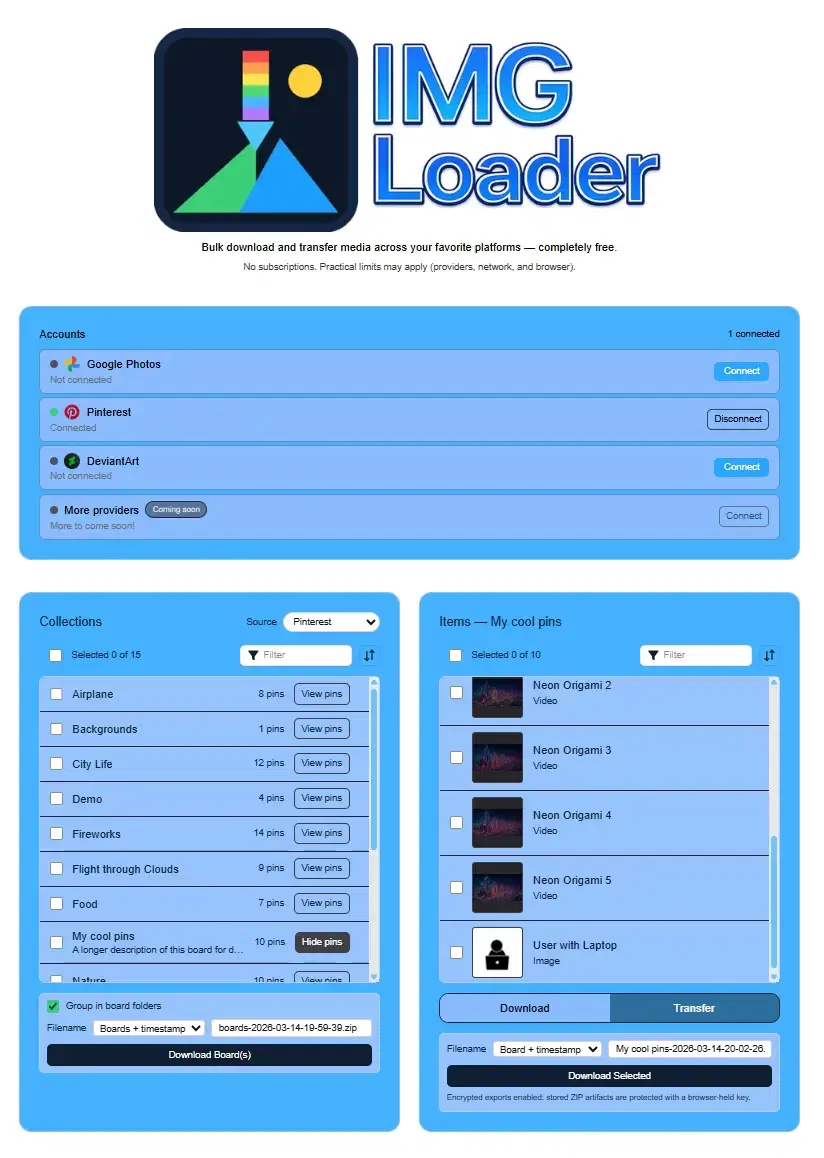
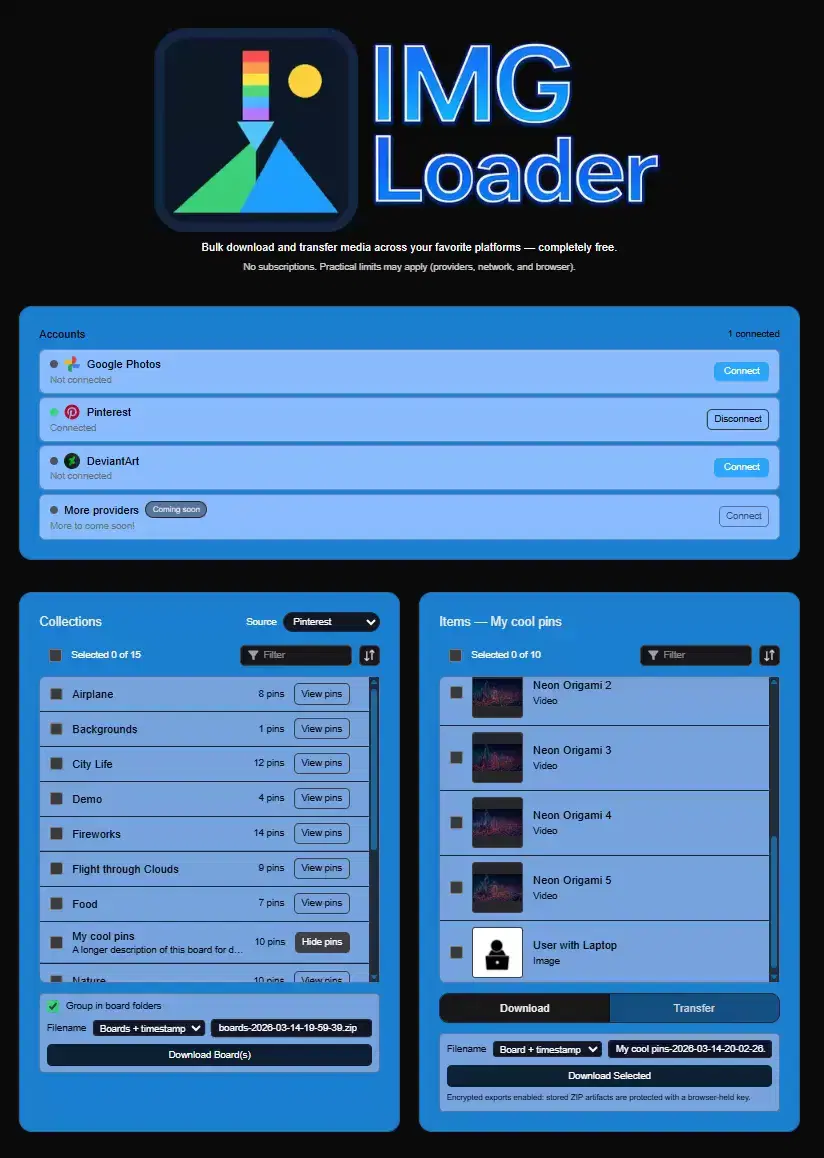
Step 1: Connect Pinterest and load the board list
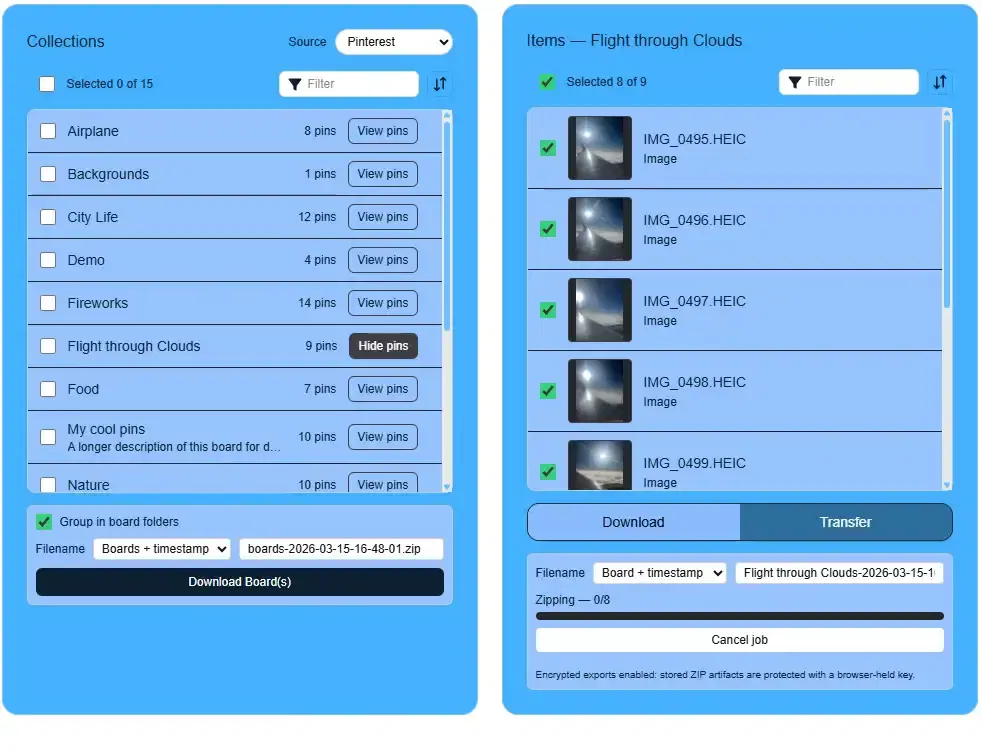
Open IMGLoader, then use the Accounts section to connect Pinterest. After you approve the request on Pinterest, IMGLoader loads the boards available to that account and shows them in the left-side collections view.
If you already know you want the full board, stay at the board list level. If you only need part of a board, open the board first and export individual pins instead.
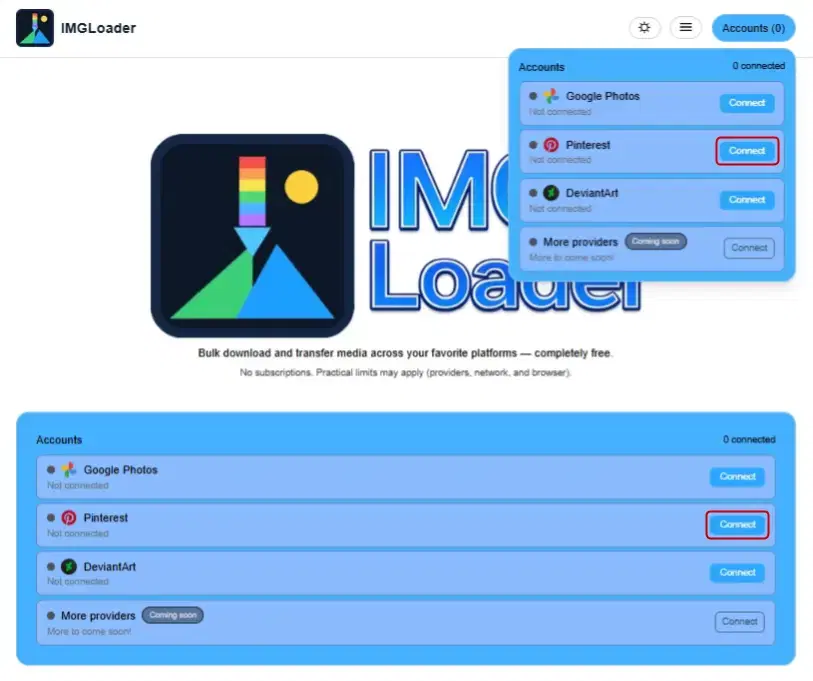
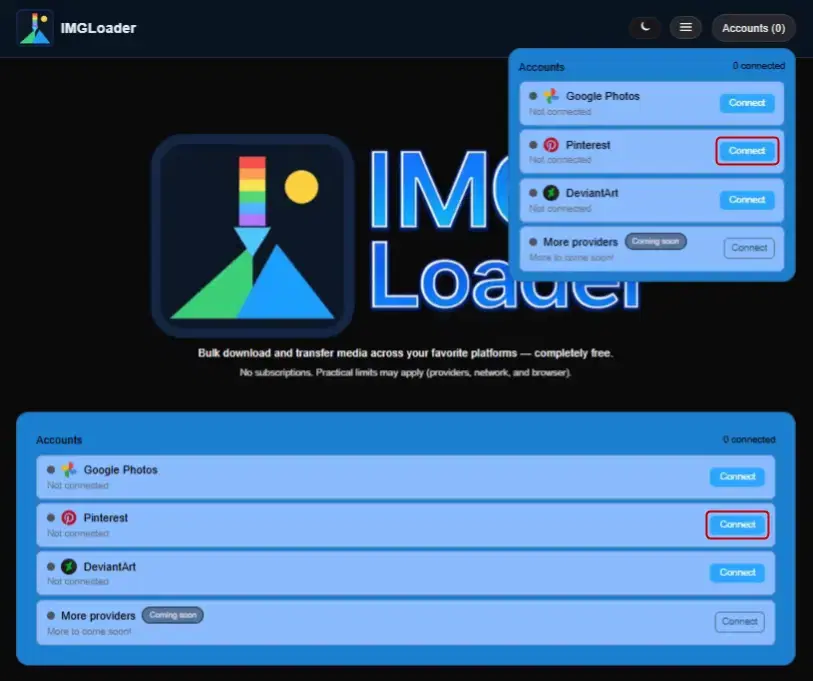
Step 2: Choose board-level export settings and start the ZIP
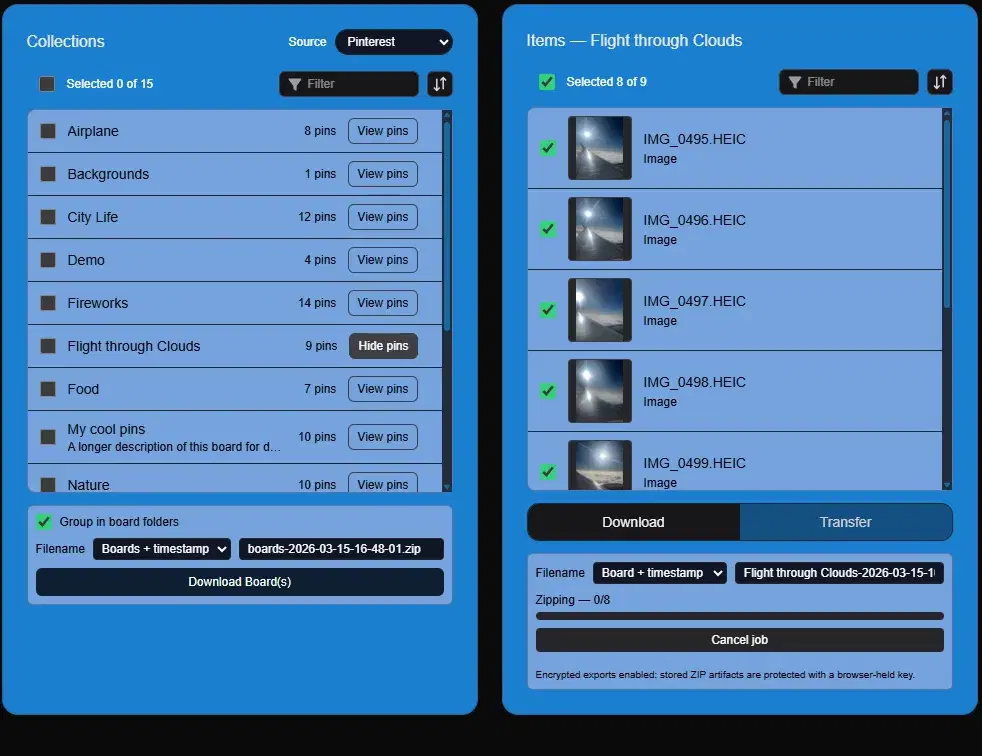
Select one or more boards, then click Download Board(s). If you want each board kept inside its own folder, leave Group in board folders enabled. That makes the resulting ZIP easier to browse later.
You can also rename the ZIP before starting the job. IMGLoader keeps the .zip extension, sanitizes invalid path characters, and resolves duplicate filenames automatically so items do not overwrite each other.
When to open a board instead of exporting it whole
Board-level export is the fastest option for a full backup, but there are cases where opening the board first is the better choice: when you only need a subset of pins, when you want to inspect video availability, or when you want a different ZIP name for a hand-picked set.
Inside a single board view, IMGLoader lets you select individual pins and optionally keep them inside one board folder with Group in board folder.
Important limitation for video pins
Pinterest videos from secret boards often do not expose a usable video URL through the API. If a board is secret, IMGLoader may show the pin but not be able to fetch the playable video file until you turn off Keep this board secret in Pinterest and reload.
If that is your situation, use the more specific guide at How to Download Video Pins from Secret Pinterest Boards.
Why this is safer than scraping extensions
- It uses Pinterest OAuth rather than broad browser permissions.
- It does not depend on scraping whatever HTML Pinterest happens to render that week.
- It keeps bulk export and folder organization in one workflow instead of one download per click.
- It gives you a repeatable process you can use again for future backups.