

Google Photos Picker Limits and Batching: What to Expect
Learn how the Google Photos Picker limit works, why Pick More creates a separate batch, and how to export selected batches cleanly.
Tested against the current IMGLoader workflow and provider UI available as of April 18, 2026. Where platform rules or API limits affect results, this guide calls them out explicitly.
Google Photos Picker is intentionally scoped. IMGLoader does not enumerate your entire Google Photos library in the background; it works from the explicit selection you make through Google Photos Picker itself. That is better for privacy, but it also means you need a batching strategy when the job is larger than a single picker session.
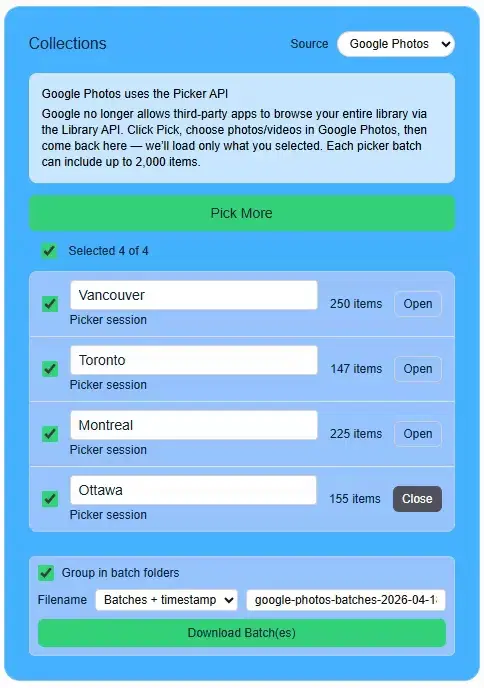
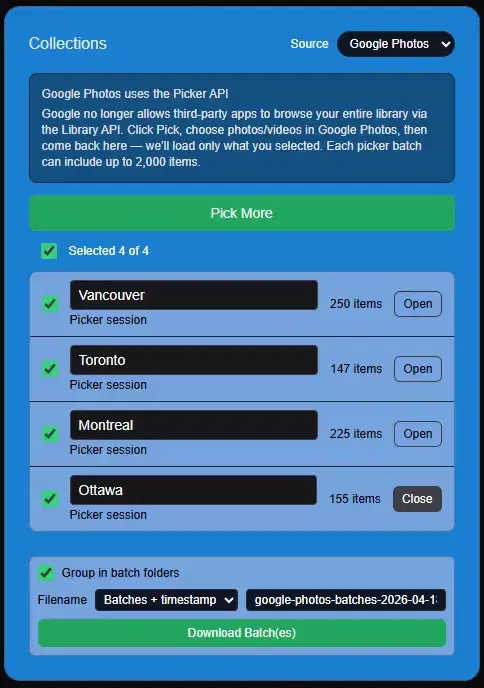
The important limit is straightforward: each picker session is capped at up to 2,000 selected items. Pick More creates another picker session, so each completed selection appears as its own batch in IMGLoader. You can review batches separately, rename them, and download selected batches together when that produces the cleaner ZIP.
How the first batch should work
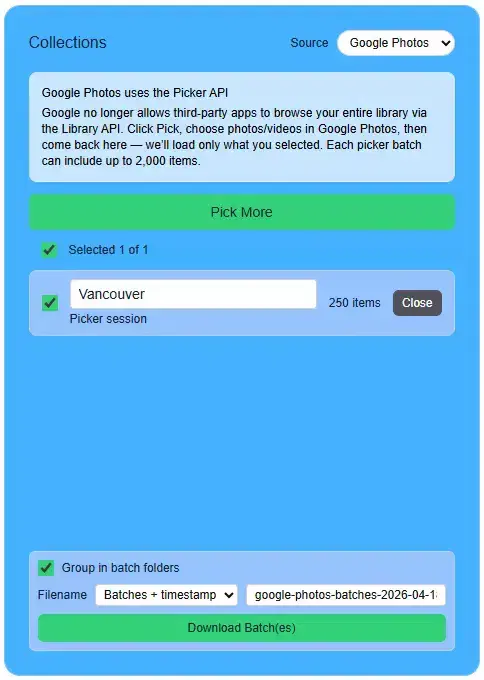
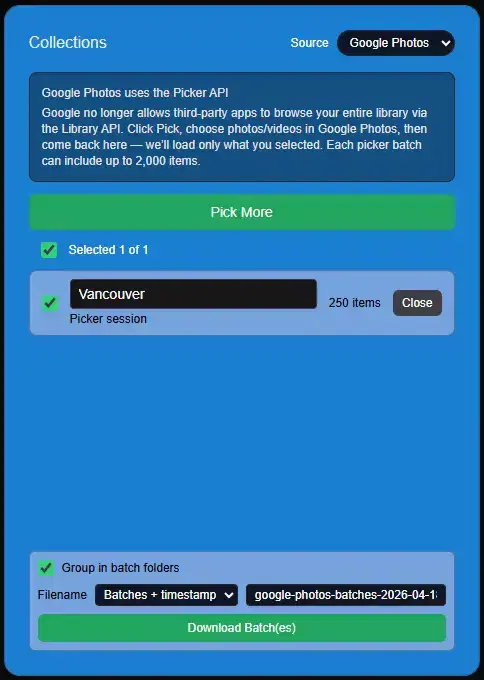
Connect Google Photos, click Pick from Google Photos, and make your first selection inside the Google picker. Think of that first selection as a complete working batch, not as a vague starting point you will append to later.
That usually means grouping by album, time period, event, or project instead of selecting thousands of mixed photos with no verification step.
How Pick More works
After the first selection is loaded into IMGLoader, use Pick More to open another picker session for the next batch. You can open or close the completed batch rows in IMGLoader, but Google does not reopen the old picker session to add more items to it.
Using separate batches also makes mistakes cheaper. If you realize one selection was too broad or too narrow, redo that batch instead of rebuilding an entire all-or-nothing export plan.
Practical batching rules that work well
- Batch by album, time period, event, or folder destination so each ZIP still has a clear purpose.
- Confirm each batch count before creating another picker session.
- Rename batches before downloading if the default Selected batch labels are not descriptive enough.
- Download selected batches together when you want one ZIP, or open one batch at a time when you need to inspect the items first.
- Do not wait until the end to notice you selected the wrong account or wrong slice of the library.
- If you are exporting for migration, mirror the destination grouping in your batch names.
Why this limit exists
The 2,000-item ceiling comes from the picker session configuration, not from arbitrary IMGLoader UI friction. The workflow is intentionally based on explicit user selection through the provider interface rather than broad hidden access to your library.