

Why Google Takeout Photo Dates Look Wrong After Export
Understand Google Takeout's archive workflow, why exported photo file dates can look wrong, and when IMGLoader is a better fit.
Tested against the current IMGLoader workflow and provider UI available as of April 18, 2026. Where platform rules or API limits affect results, this guide calls them out explicitly.
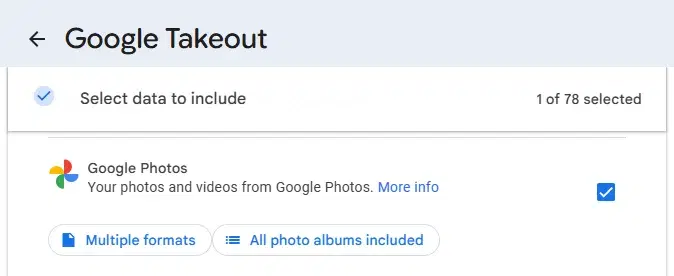
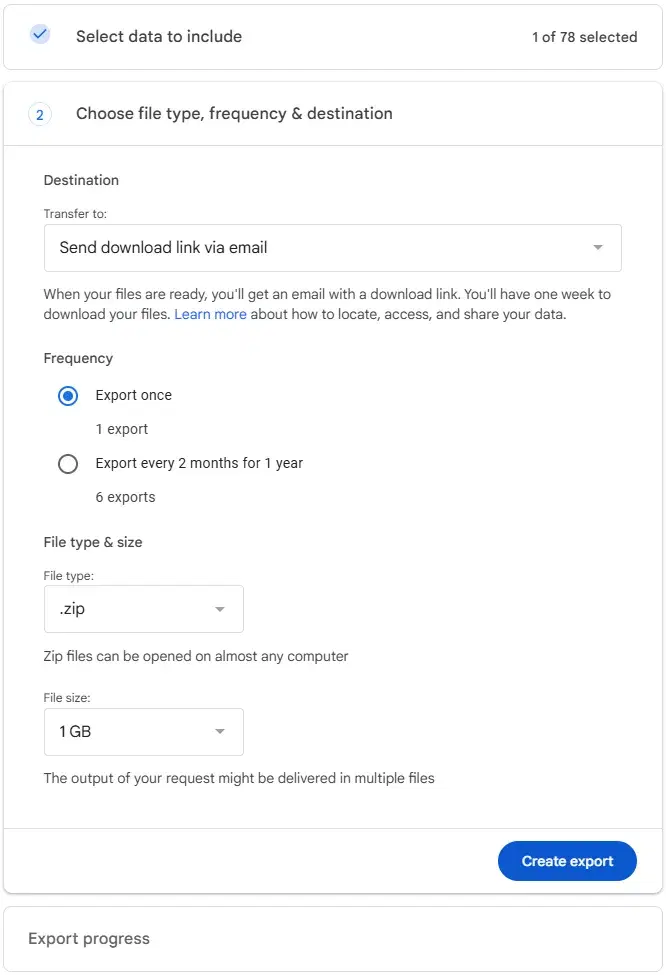
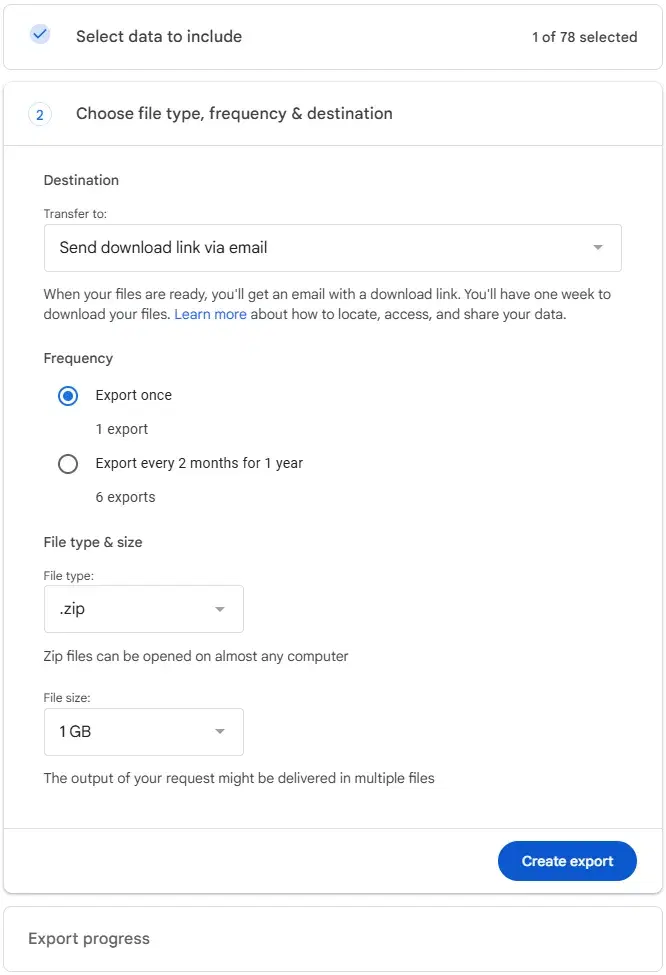
Google Takeout is not a photo picker. It does not show your library and ask you to choose individual files. The flow is service-level: pick Google Photos, choose the archive type and destination, create the export, then wait for Google to email a download link or place the archive in Drive, Dropbox, OneDrive, or Box.
Google's Takeout help explains why dates can look odd after that archive arrives: your operating system may assign a new timestamp to the downloaded file, while the original photo or video timestamp remains embedded in the media file. Google Photos-only details may be represented separately depending on the export, but not every Takeout download will show obvious JSON files beside every photo.
So an export that contains only photos can still be valid. The confusing part usually starts later, when a file manager, photo app, or migration tool chooses which date field to display.
What Takeout actually lets you choose
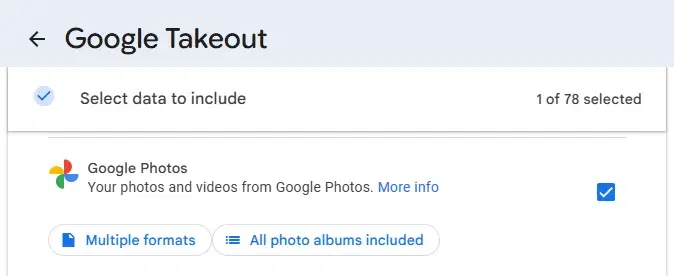
The first meaningful choice is whether Google Photos is included in the archive. Depending on your account and Takeout's current UI, you may see product-level options, but this is still an archive request rather than an item-by-item photo selection workflow.
That is why Takeout is useful for broad account archives and less convenient when you only need a clean working set of selected photos right now.
Why dates can look wrong after the archive arrives
After you click Create export, Google prepares the archive outside your browser. When you later download or extract it, your computer may give the files fresh created or modified dates. Those visible file dates can reflect the archive process instead of the moment the photo was taken.
A photo app may still read the embedded capture date correctly, but a file manager or migration tool may emphasize the file system date instead. That mismatch is the usual reason a Takeout export appears to have the wrong timeline.
When Takeout is still the right call
If your goal is a broad account archive and you want Google's own export packaging, Takeout is still valid. The point is not that Takeout is broken. The point is that it produces archive-oriented output, and archive-oriented output is often inconvenient when your next step is immediate reuse.
How IMGLoader is different
IMGLoader is not a replacement for a full Google account archive. It is designed for selected Google Photos batches through Google's Picker API. Use Takeout when you want Google's archive of the account data. Use IMGLoader when you want to pick a specific batch and download that working set as a ZIP.
How to troubleshoot a confusing Takeout archive
- Check the embedded media date, not just the file manager's created or modified date.
- Do not assume missing sidecar files mean the export failed; many ordinary photo exports are just the media files themselves.
- Confirm whether your receiving app reads embedded metadata, file system timestamps, sidecar metadata, or a mix of those fields.
- Separate "wrong displayed date" from "missing media" because they are different problems.
- If you only need a working batch of selected files, rerun the job with IMGLoader instead of rebuilding the whole archive workflow.