

How to Send Transfers to DeviantArt Sta.sh or Publish Them
Choose whether IMGLoader uploads deviations to Sta.sh or publishes them directly when using DeviantArt as the destination.
Tested against the current IMGLoader workflow and provider UI available as of April 1, 2026. Where platform rules or API limits affect results, this guide calls them out explicitly.
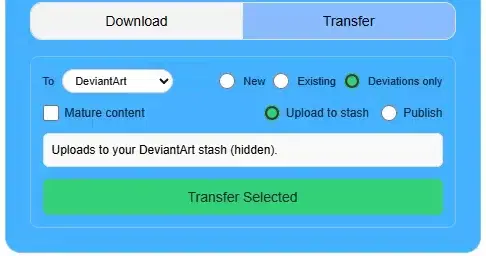
When DeviantArt is the destination, IMGLoader gives you a decision that matters before the upload starts: do you want files staged in Sta.sh, or do you want them published right away as deviations?
This choice appears when you use Deviations only. It is useful when you want to upload individual works without placing them into a gallery or collection immediately.
How the choice works
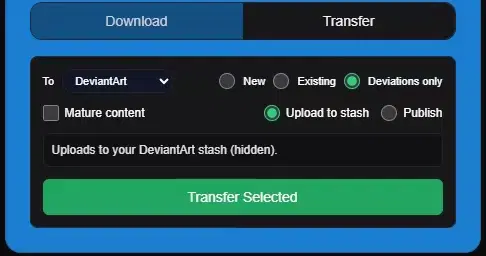
- Upload to stash sends the files into Sta.sh for later review and publishing.
- Publish creates live deviations directly as part of the transfer workflow.
Use stash when you want a buffer for titles, descriptions, tags, or moderation checks before anything is visible. Use publish when the files are ready to go live immediately.
A quick decision rule
- Choose Upload to stash when you want a private holding area first.
- Choose Publish when the transfer batch is already ready for your public portfolio.
- Choose New or Existing instead if your priority is gallery or collection structure.
Important limit to remember
IMGLoader can upload to Sta.sh as part of a transfer, but DeviantArt does not expose a public API for browsing your stash contents afterward. That means stash is useful as a destination, not as a browsable source library inside IMGLoader.