

How to Backup Your DeviantArt Gallery
Download your DeviantArt galleries, collections, and favourites as ZIP files using IMGLoader.
Tested against the current IMGLoader workflow and provider UI available as of March 29, 2026. Where platform rules or API limits affect results, this guide calls them out explicitly.
If your DeviantArt account holds years of artwork, favorites, or organized collections, keeping the only copy on the platform is risky. A proper backup should preserve the items you can access and keep the folders understandable after extraction.
This guide covers what IMGLoader can export from DeviantArt today, how folder grouping works, and what to expect from galleries, favorites, and unsupported areas such as Sta.sh browsing.
Step 1: Connect DeviantArt with OAuth
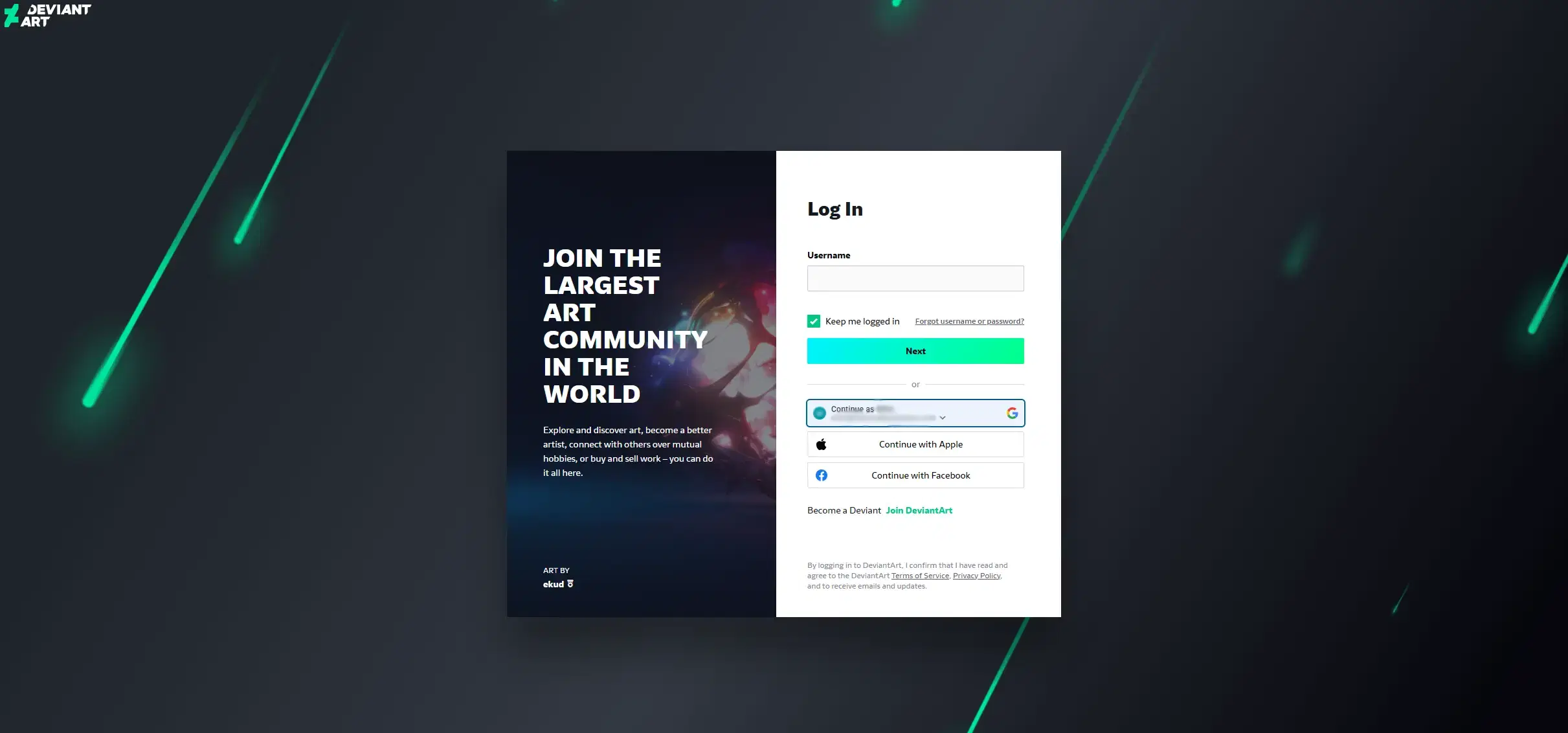
Open IMGLoader and connect DeviantArt from the Accounts section. You authenticate with DeviantArt directly, then return to IMGLoader with access to the galleries and collections the API exposes for that account.
This means IMGLoader never needs a separate DeviantArt password field and does not rely on scraping your profile pages.
Step 2: Decide whether you need galleries, favorites, or both
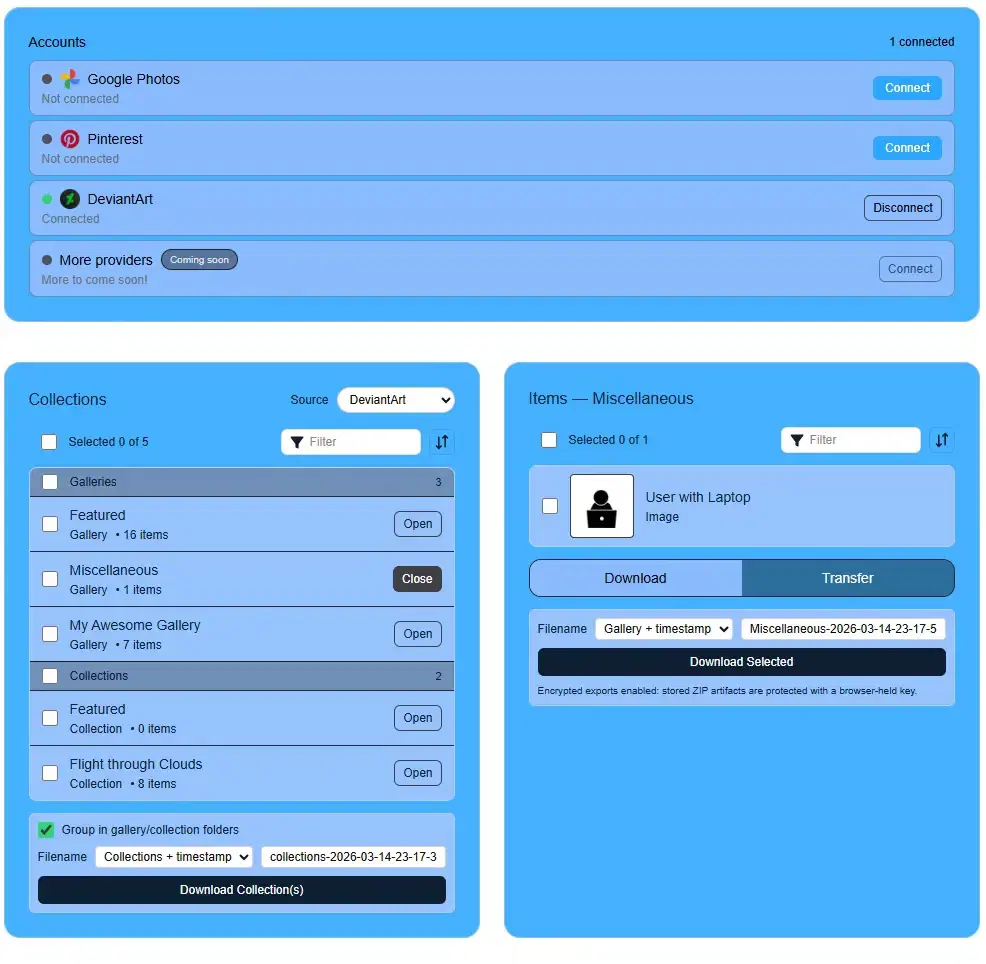
DeviantArt separates your own uploaded work from the work you have favorited. IMGLoader mirrors that distinction so you can choose the right set for the backup:
- Galleries are your own published works.
- Collections correspond to favorites you organized.
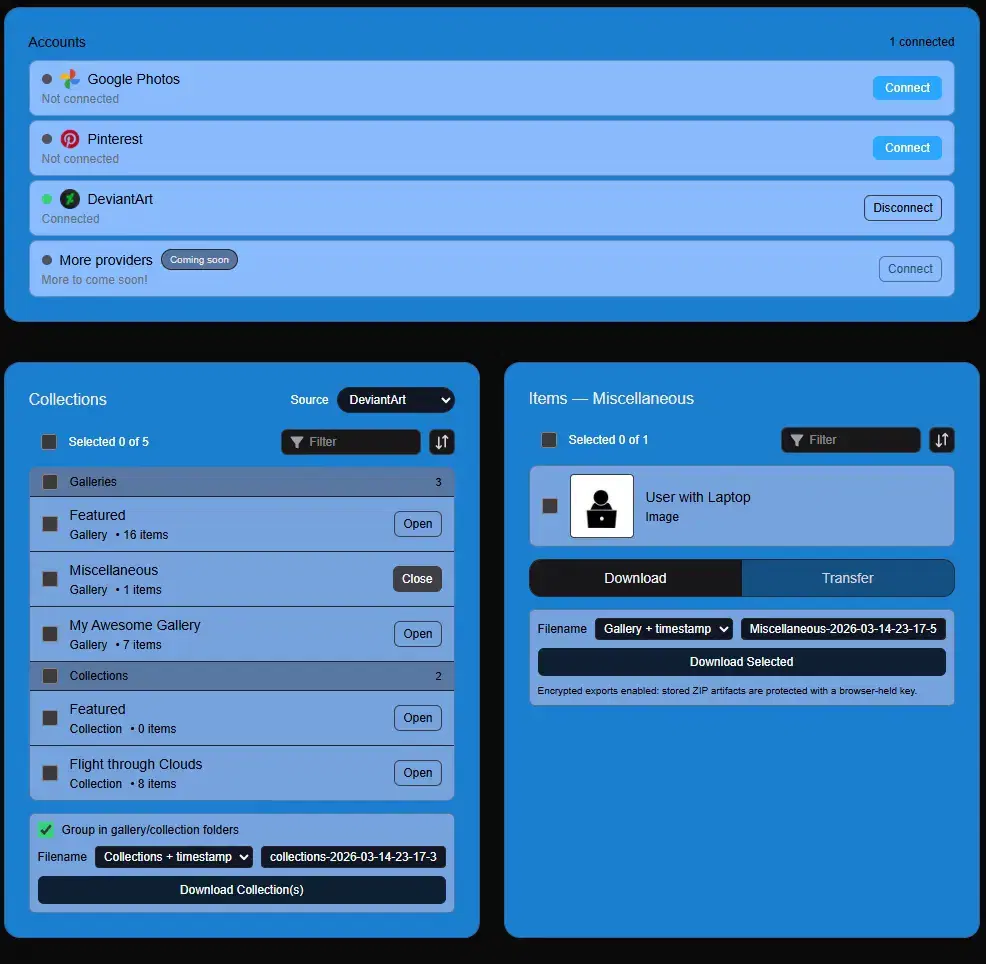
For a complete backup, select the relevant groups and use Download Collection(s). If you need a narrower export, open a specific gallery or collection and export selected deviations only.
How folder grouping affects the backup
With Group in gallery/collection folders enabled, each selected gallery or collection becomes its own folder inside the ZIP. That keeps the structure readable and matches how most people think about a long-term archive.
IMGLoader also resolves duplicate filenames automatically, so multiple deviations with similar titles do not overwrite each other.
What IMGLoader cannot browse for DeviantArt
Sta.sh browsing is not exposed through the public DeviantArt API in the same way as galleries and collections. IMGLoader can still use DeviantArt as a transfer destination, including stash-related flows, but it does not present Sta.sh as a standard browsable backup source.
Best practice for large DeviantArt backups
If the account has a lot of content, export in logical batches instead of forcing one giant ZIP. A few galleries at a time is easier to verify, easier to store, and easier to rerun later if one area changes.